Introducing CocoShot Screen Recorder Extension: Professional Screen Capture Made Simple
CocoShot Screen Recorder Extension is finally here! Capture your screen, webcam, or tabs effortlessly with our lightweight browser extension. No complicated software, no watermarks, just pure productivity.
Why Choose a Browser Extension Screen Recorder?
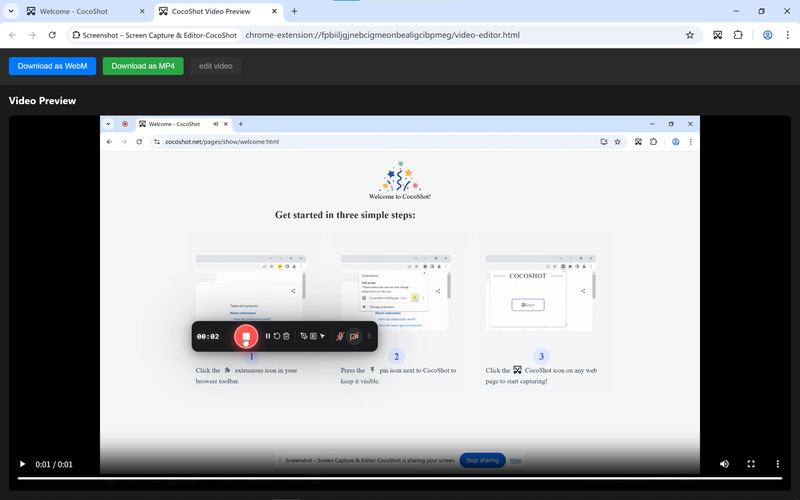
Whether you’re creating tutorials, recording demos, hosting remote meetings, or documenting software bugs - screen recording is essential. Traditional desktop software requires downloads and installations, but CocoShot lives right in your browser toolbar, making it accessible with a single click.
Key Features That Set Us Apart
Flexible Recording Modes
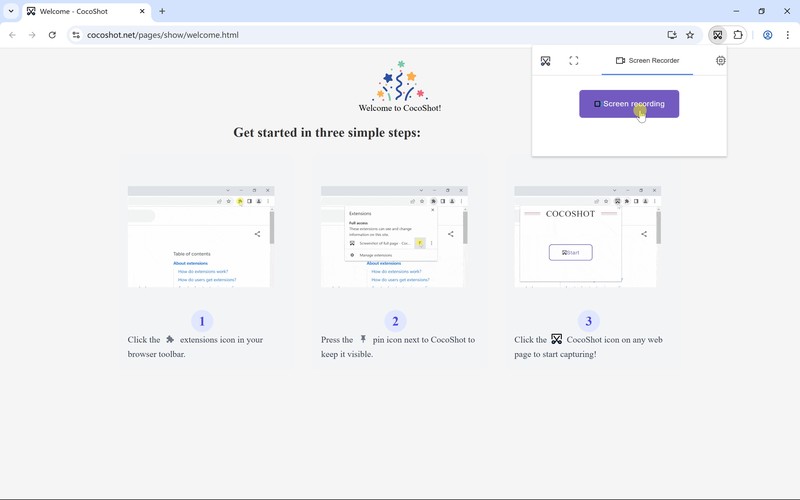
With the CocoShot Browser Extension, you can choose exactly what to capture:
- Full Screen Recording - Capture your entire desktop
- Tab Recording - Record specific browser tabs with perfect quality
- Webcam Only - Create facecam videos for personal connection
Crystal Clear Audio & Video
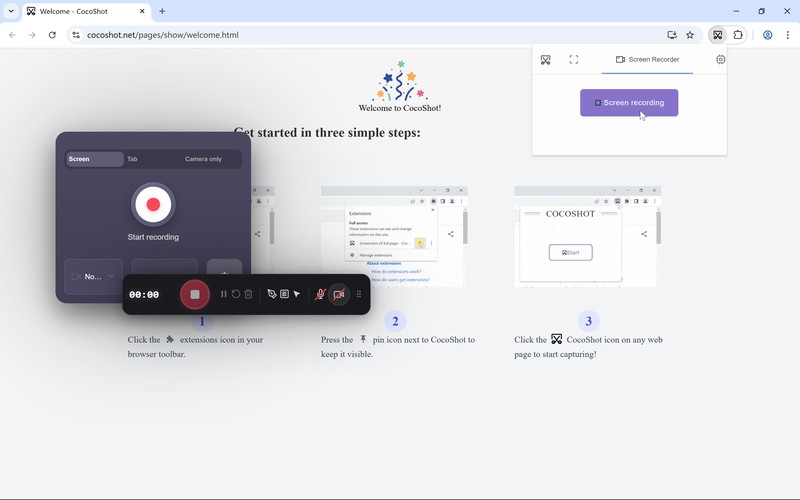
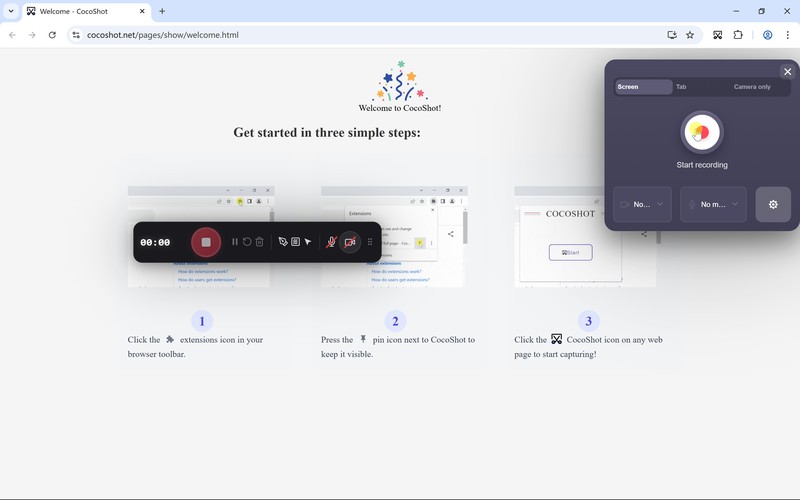
Choose your preferred camera and microphone with live previews before recording. The audio level indicator ensures your sound is perfect before you hit record.
Privacy-First Features
We understand privacy matters. That’s why we’ve built Area Blur directly into the extension:
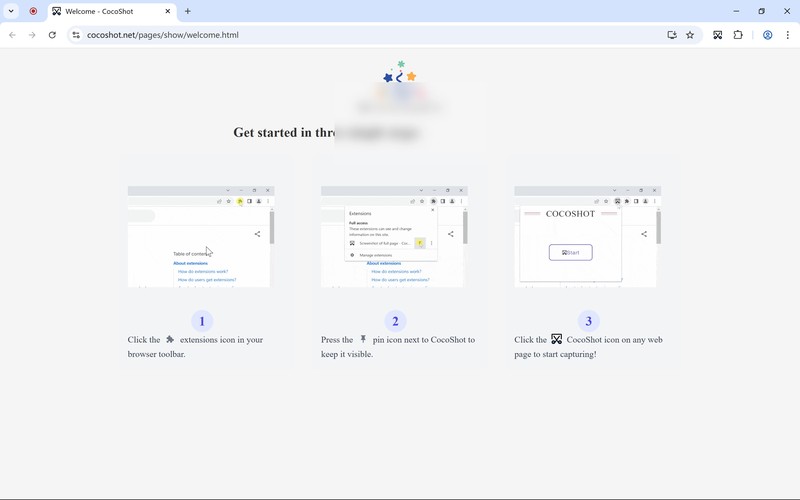
Hide sensitive information, passwords, or personal data while recording - no post-production editing needed.
Real-Time Annotation
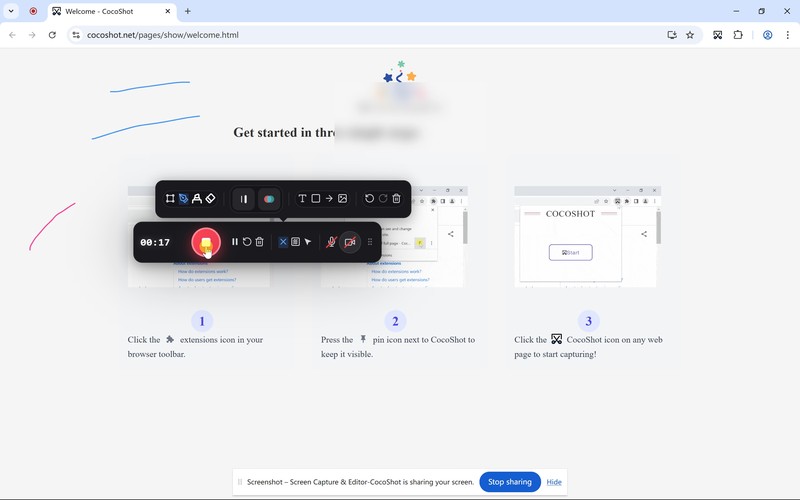
Draw attention to important details during recording with our built-in annotation tools. Highlight clicks, underline text, or add arrows to guide your viewers through complex processes.
Intelligent Recording Controls
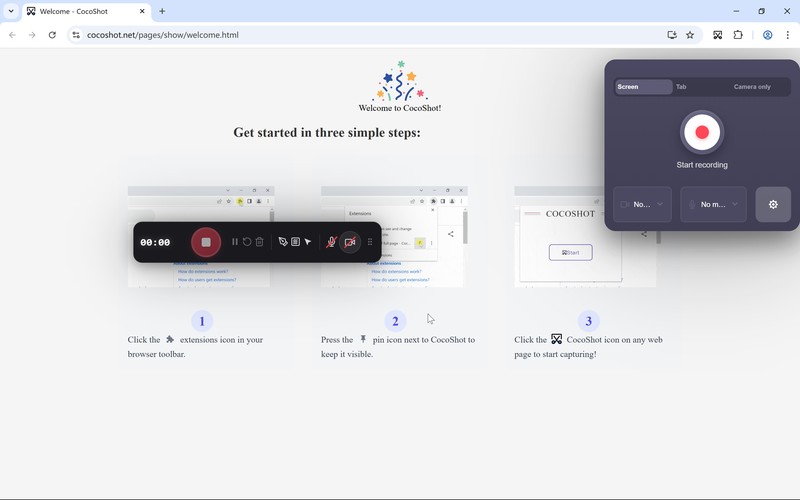
Our draggable toolbar gives you complete control:
- Pause/Resume - Take breaks without starting over
- Stop Recording - End anytime with one click
- Mic Toggle - Control audio on the fly
- Drawing Tools - Annotate as you go
- Area Blur - Protect privacy instantly
Smart Countdown & Cancellation
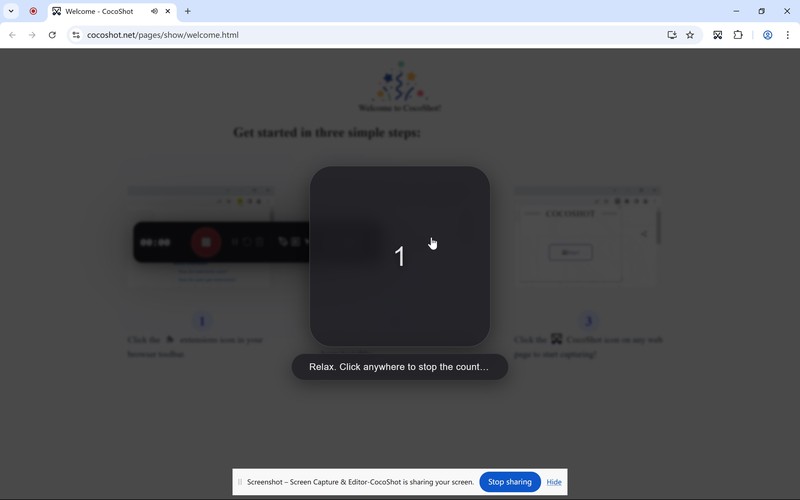
A 3-second countdown gives you time to prepare. Changed your mind? Click anywhere during countdown to cancel instantly.
How It Works
Getting started with CocoShot Screen Recorder Extension takes less than a minute:
- Install - Add CocoShot Extension to your browser
- Click - Hit the extension icon and select “Record Screen”
- Grant Permissions - Allow access to screen, camera, and microphone
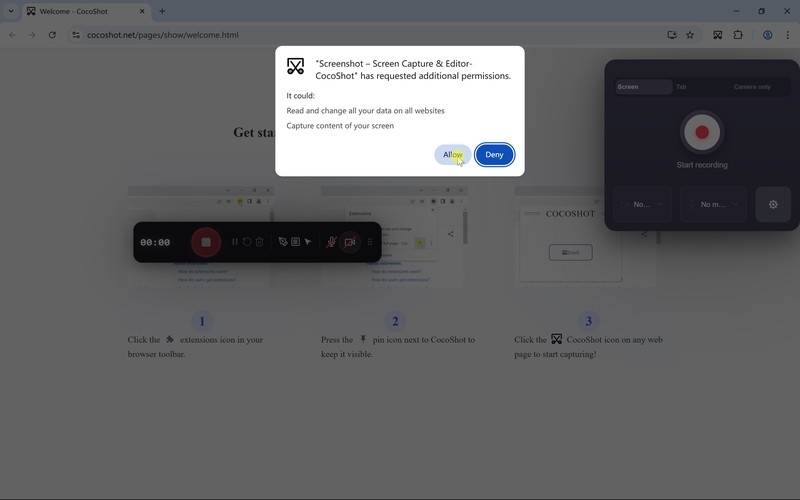
- Configure - Select your recording mode, camera, and audio sources
- Countdown - Prepare during the 3-second countdown
- Record - Capture your screen with full floating control
- Preview - Instantly review your recording quality
- Download - Save in your preferred format
Complete Post-Production Suite
Your recording doesn’t end with the capture. CocoShot includes professional editing tools:
Instant Preview & Quality Check
Review your recording immediately to ensure quality meets your standards before downloading.
Format Conversion
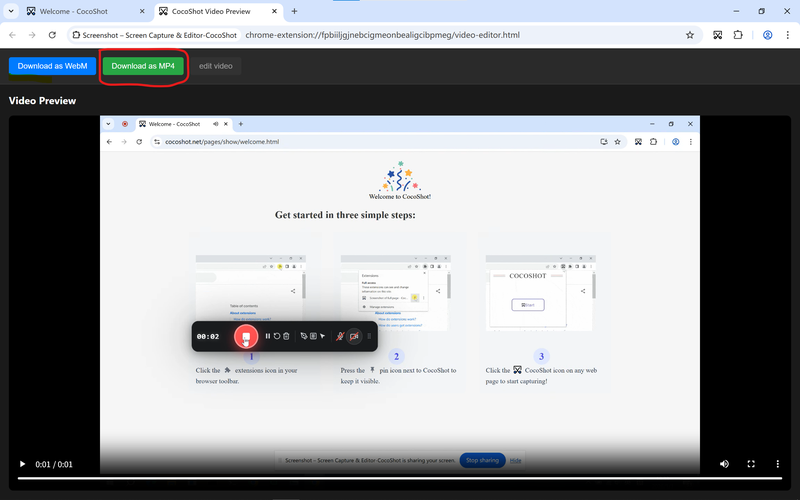
Convert your recordings to multiple formats for cross-platform compatibility. Share directly to social media, embed in presentations, or upload to video platforms.
Built-in Video Editing
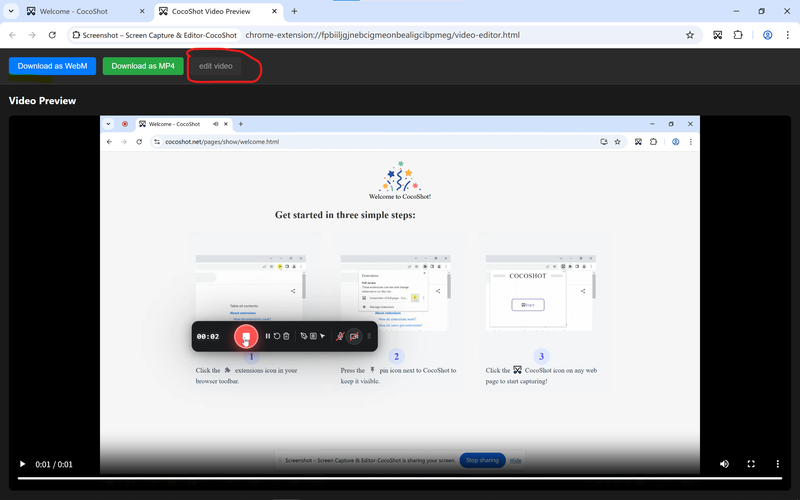
Trim unwanted sections, cut mistakes, and polish your video - all within the extension interface. No additional software required.
One-Click Download
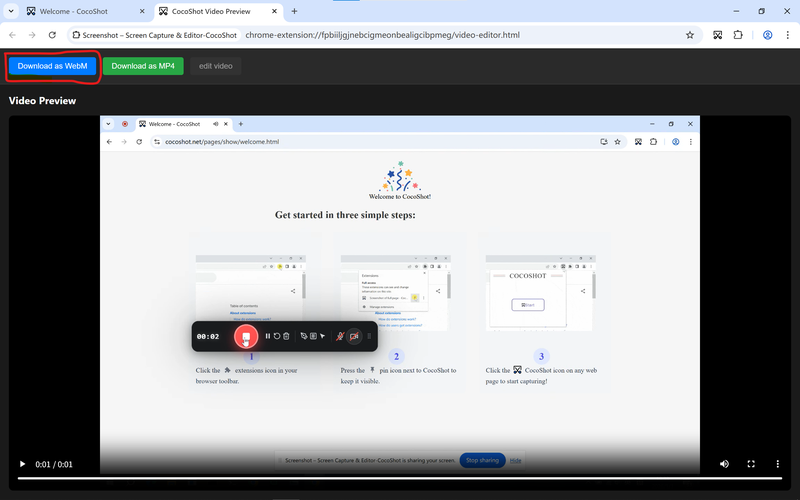
Download high-quality videos directly to your device. No account limits, no watermarks.
Browser Compatibility Guide
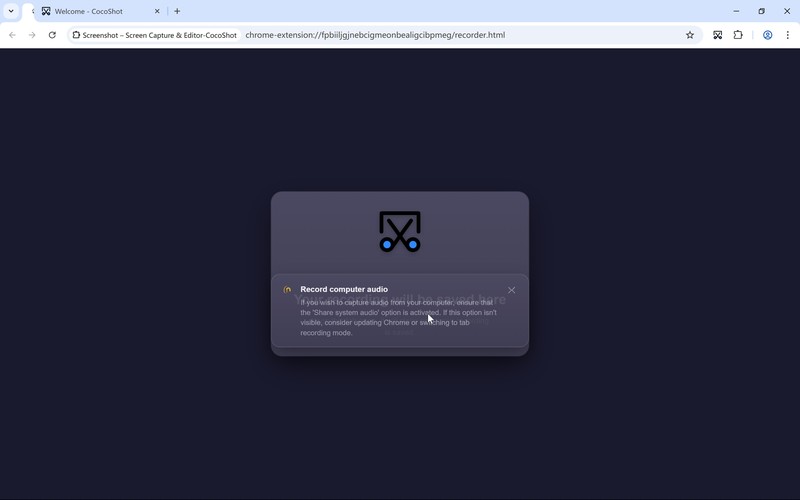
Not sure if your browser works? Our built-in compatibility guide helps you test before recording:
Perfect For
- Educators & Teachers - Create engaging video lessons and tutorials
- Software Developers - Record bug demos and feature walkthroughs
- Content Creators - Produce software tutorials and product reviews
- Remote Teams - Share processes and provide video feedback
- Customer Support - Create helpful how-to videos for users
- Presenters - Record presentations with speaker notes
- Support Agents - Document troubleshooting workflows
Technical Excellence
The CocoShot extension leverages modern browser APIs for:
- High-quality capture - Up to 60fps recording
- Crystal clear audio - Professional-grade microphone capture
- Efficient compression - Smaller file sizes without quality loss
- Secure processing - All recording happens locally through the extension
Zero Learning Curve
The extension feels immediately familiar:
- Clean, modern interface - Click and record
- Intuitive controls - Just like native software
- Lightweight footprint - Runs smoothly on any system
- One-click access - Always available in your toolbar
Privacy & Security
Your recordings are yours alone:
- All processing happens through the extension locally
- No video data leaves your device
- No cloud storage required (unless you choose to upload)
- Complete control over your content
- No tracking or analytics on your videos
Extension Benefits
Why choose CocoShot over other recording tools?
✅ Always Available - Just click the extension icon ✅ Instant Updates - Get new features automatically ✅ Lightweight - Doesn’t slow down your browser ✅ Platform Independent - Works anywhere Chrome/Edge/Firefox work ✅ No Clutter - No desktop icons or background processes ✅ Professional Quality - Desktop-level recording in extension form
Start Recording Today
Ready to create professional screen recordings without the hassle?
Frequently Asked Questions
Q: Is this a desktop app or browser extension? A: CocoShot is a lightweight browser extension that works right from your browser toolbar.
Q: Do I need to install additional software? A: No! Just add the extension to your browser - that’s it.
Q: Is there a time limit for recordings? A: No artificial time limits. Recording length is only constrained by available disk space.
Q: What browsers are supported? A: Chrome, Firefox, and Edge. Check the in-app compatibility guide in the extension.
Q: Are recordings watermarked? A: Absolutely not. Your videos belong to you without any branding.
Q: Can I record without a webcam? A: Yes! Choose screen-only recording modes anytime.
Q: Is it really free? A: Yes! Our screen recorder extension is completely free to use.
Ready to create your first screen recording? Install CocoShot Extension and get started in seconds.